
Using Audio to Fix Your Edit: SHRINKING
adding a single line to make it seamless
Before we get into it, watch this scene — it’s from Shrinking 03.06 “Dereks Don’t Die” but it has no spoilers and requires no context — and see if you can pick the ‘fix.’
It’s how Alice poof! disappears between 0:18 and 0:21, with no explanation, leadup, or goodbye. She does say one word, but I would bet good money that “Leaving!” was recorded weeks later . . .
The Setup
Jimmy, Liz, and Derek (Jason Segel, Christa Miller, and Ted McGinley) are talking in the kitchen when Alice (Lukita Maxwell) comes to join the conversation.
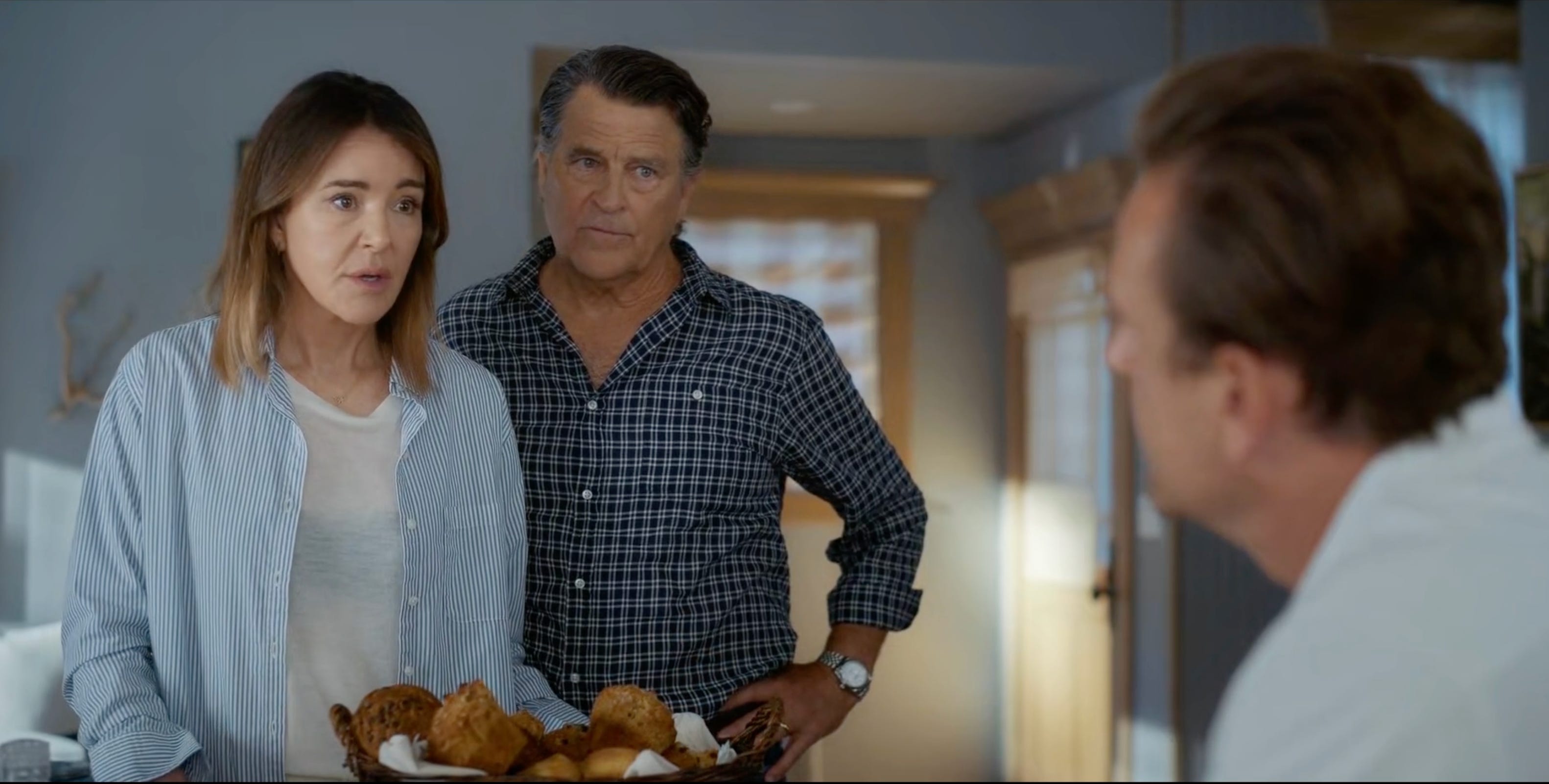
The way the scene is blocked and shot means once Alice enters, she is obvious in the wide shot, the side-on three-shot, and the three-shot of the shot-reverse-shot (in that order, below).
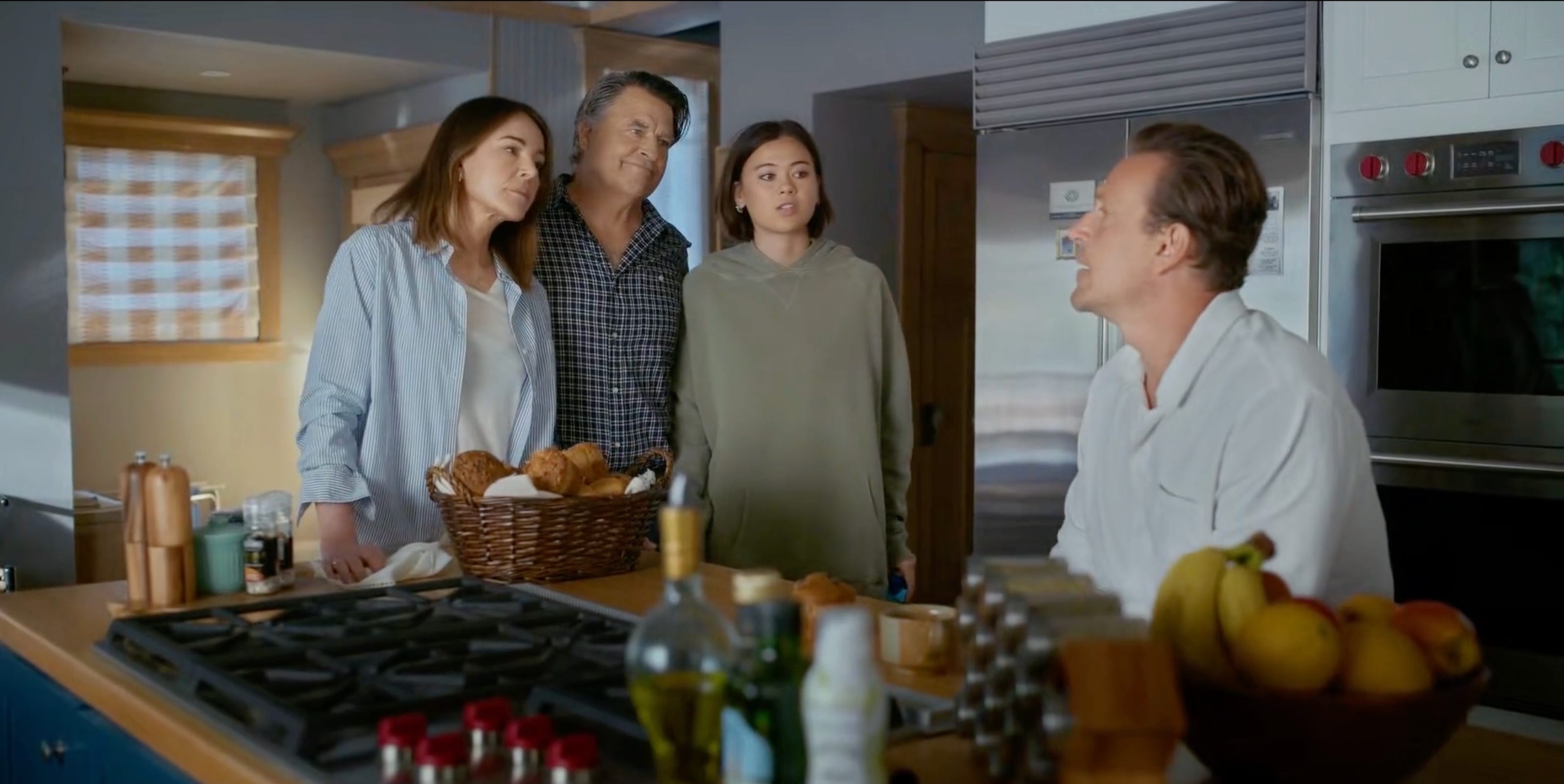
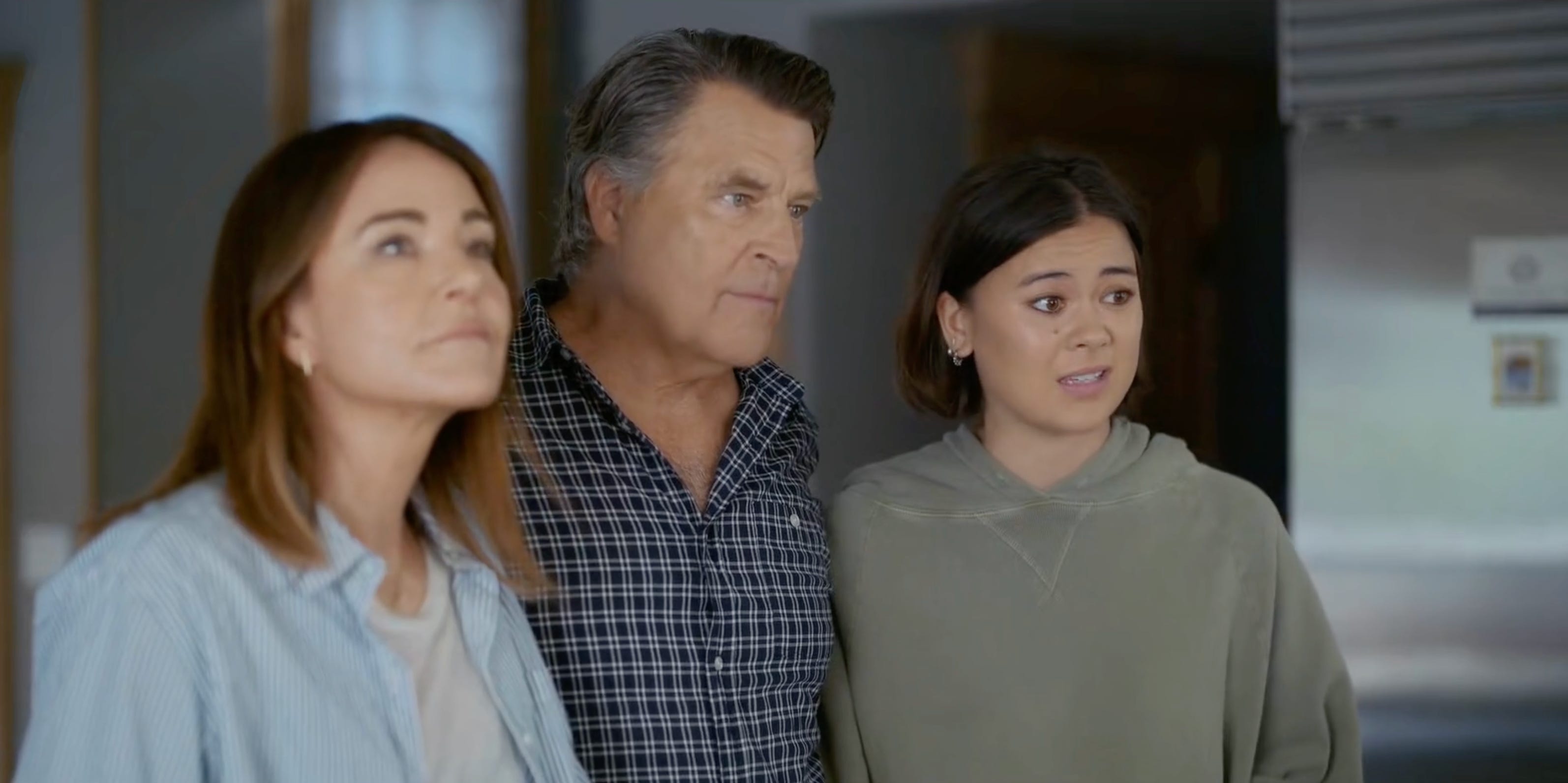
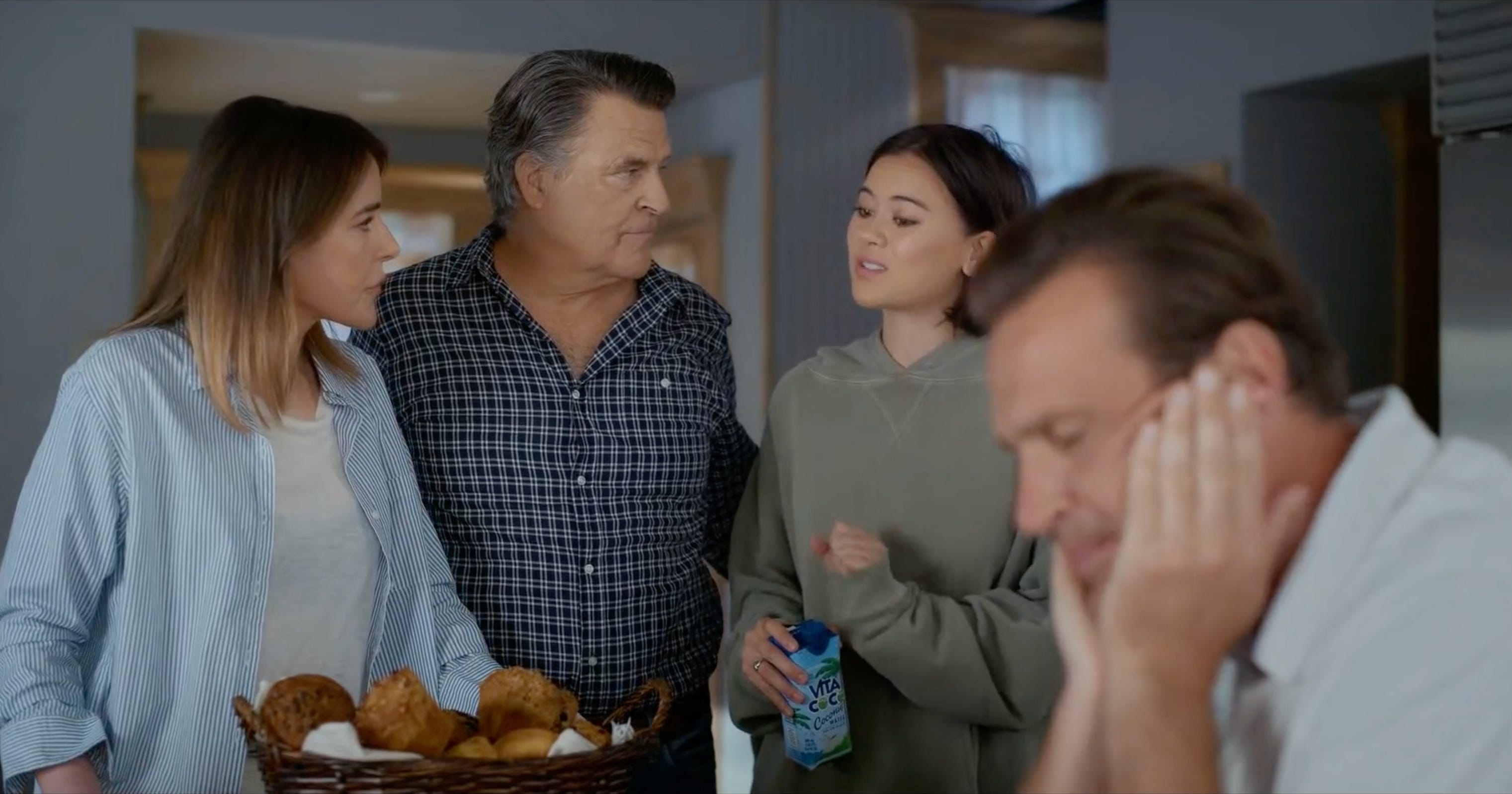
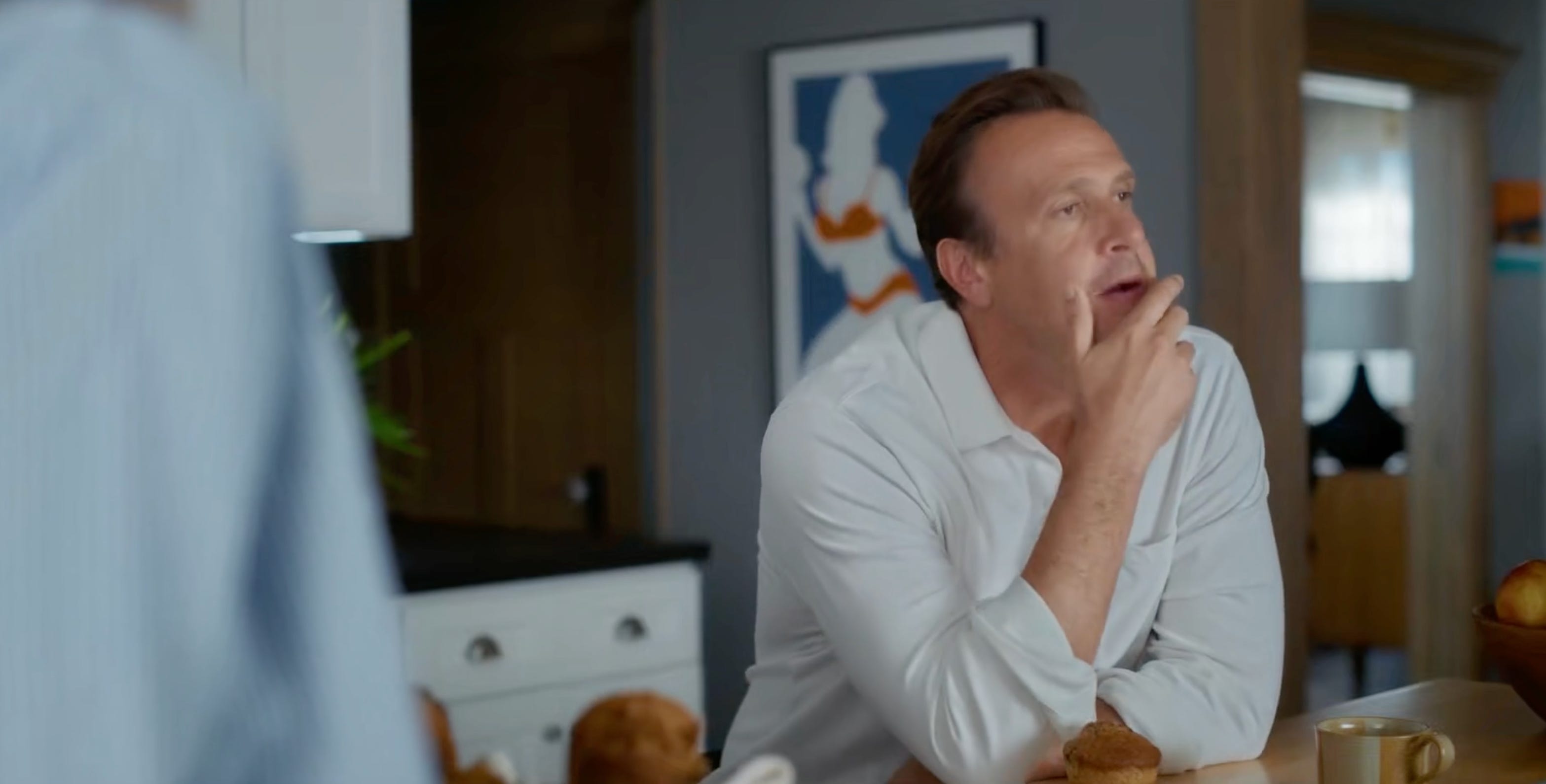
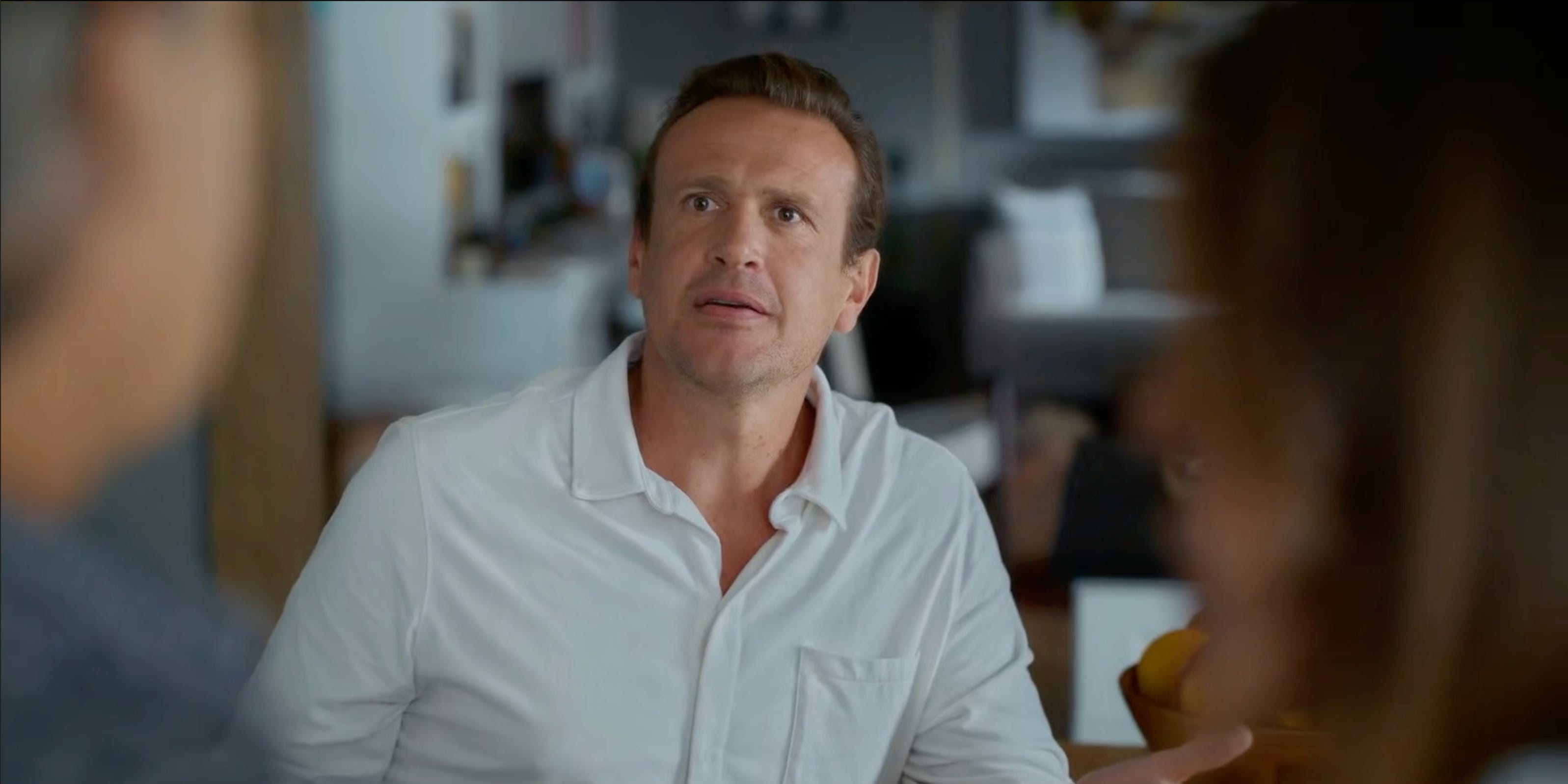
The only shots Alice is NOT evident in are Jimmy’s reverse shots, which are either framed with Liz’s arm just in shot, framed with Jimmy between Liz and Derek (below).
The Conundrum
Sometimes (often!) in the edit room, jokes, lines, or entire scenes get cut.
So long as you have the right coverage and the scene stays as written and the actors’ best takes for acting don’t involve major continuity errors or flubbed lines or audio hiccups etc etc etc, it’s usually fairly easy to keep the scene flowing smoothly in the edit room.
But what if the scene doesn’t stay as written? What if the part of the scene you cut also involves a big change? Or if you cut such a large portion, the shots on either side of the change are too different to reconcile?
Because all the rest of the shots make it QUITE obvious Alice has done an abrupt disappearing act.
The Solution
One solution is to do what this scene does: insert a single line of dialogue to explain why the shots are so different.
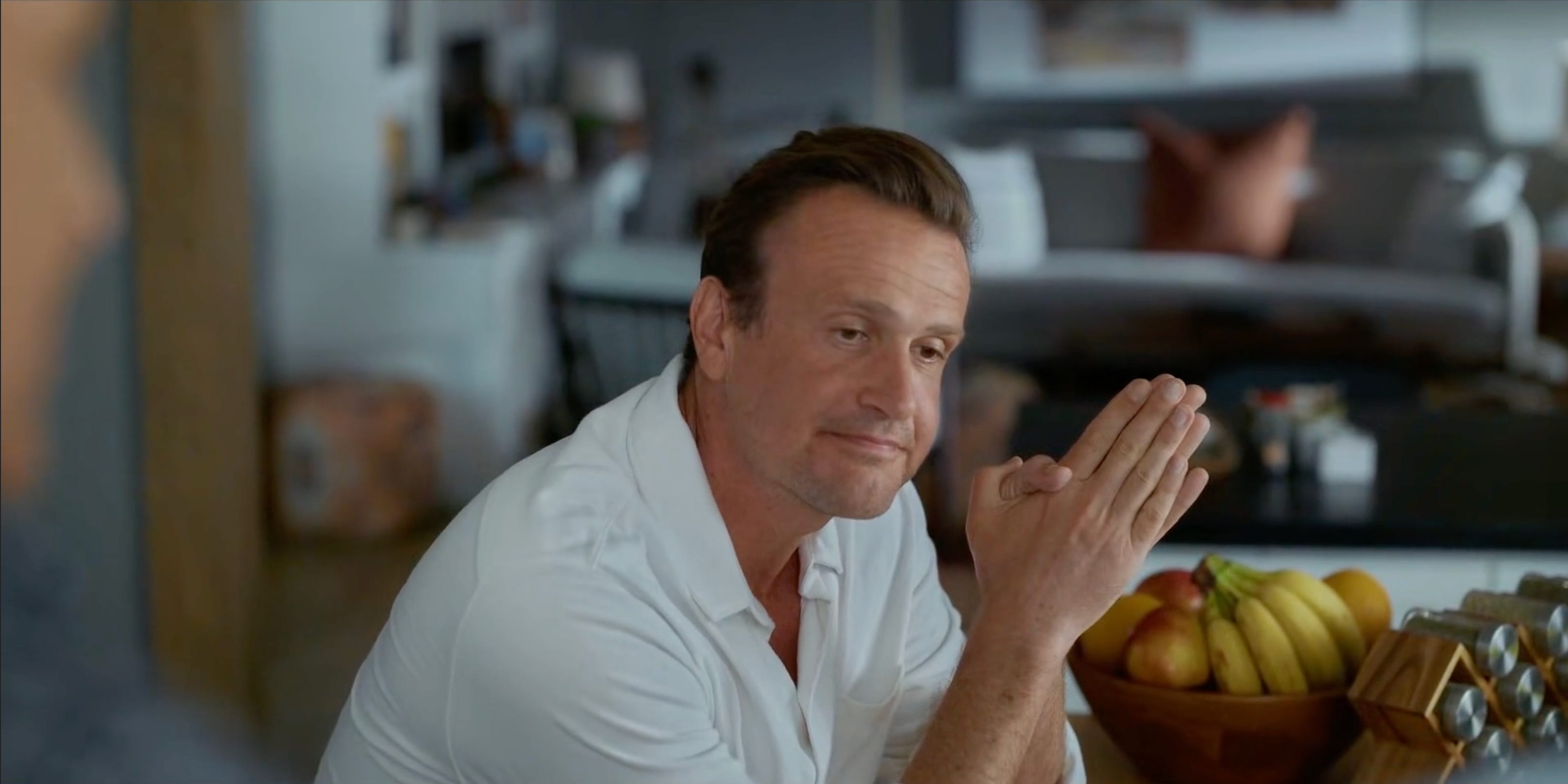
In fact here, all they need is one word: “Leaving!” which comes at 0:19 and is shifted left in the mix, which we hear Alice call over this shot of Jimmy.
Depending on how things are framed, you could also try to crop another shot so the audience think it’s just a two-shot of Liz and Derek, but those often look awkward or lose resolution, and at SOME point you likely need to acknowledge the change.
This solution means nothing else needs to change.
Takeaway
When almost all your shots involve an actor, and the part of the scene where that actors’ character departs gets cut, you can always work a little ADR into the mix, and carry on the scene as shot.
I love Shrinking and I love a bit of ADR